See your next look before you sit in the salon chair.
Browse styles and try the free Live Mirrors in your browser. In the Beautiva app, use a selfie to explore AI-generated looks and request appointments with participating salons, barbers, makeup artists and spas.
Open the free web preview →
Three steps to a look you’re sure about
Add a selfie
Take a photo or pick one from your gallery. A clear, front-facing photo in good light works best.
Get your face analysis
Beautiva reads your face shape, features and hair texture, then lines up the styles most likely to suit you.
Try it on, then book it
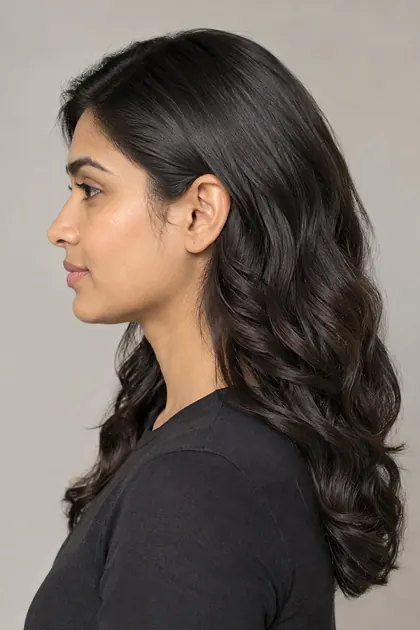
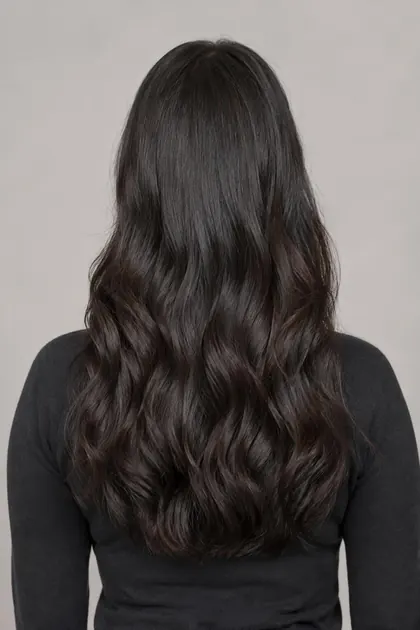
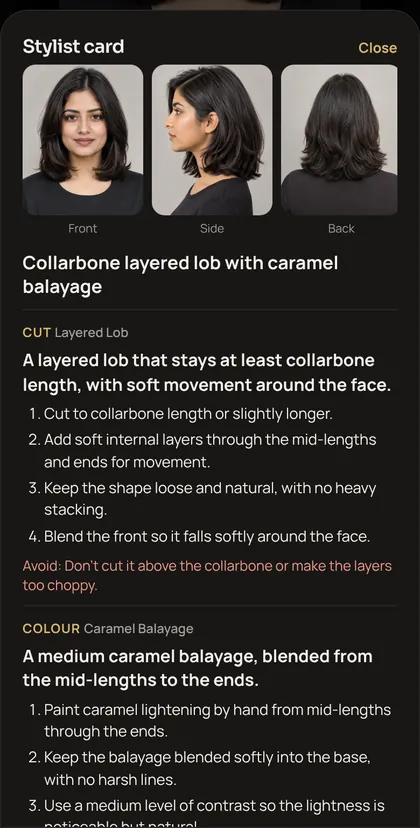
See the style on you from the front, side and back. Save the look and show it to a salon or artist you book in the app.
Try it on in the camera, in real time
Try makeup, hair colour, glasses and sunglasses, coloured lenses or nail designs live. Use Finger Paint to practise placing makeup on your face. In the mobile app, Photo-real turns a mirror look into an AI picture you can keep.
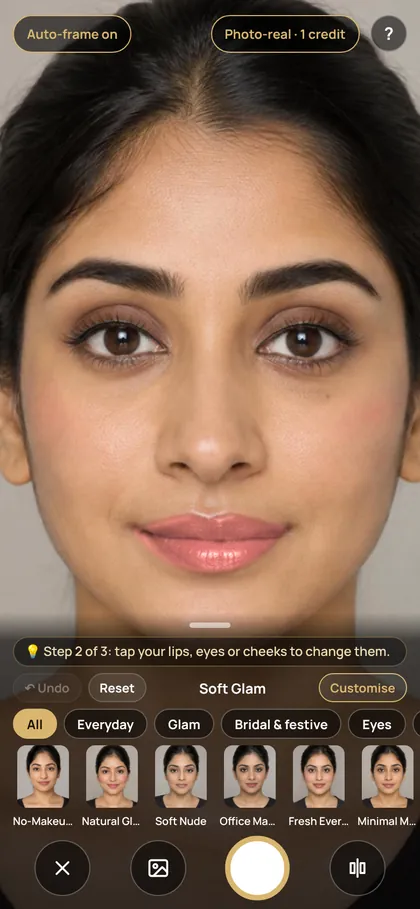
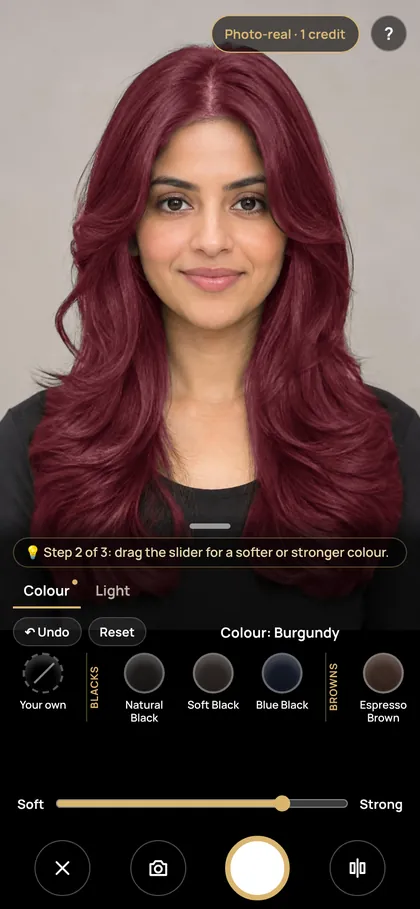
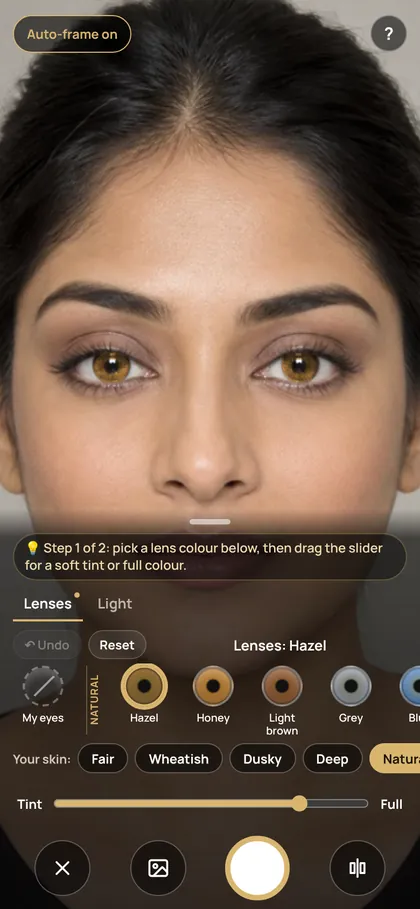
Hair, makeup, nails and grooming
Hundreds of styles for women and men, from everyday looks to bridal, sangeet and reception glam. New and trending styles are added all the time.
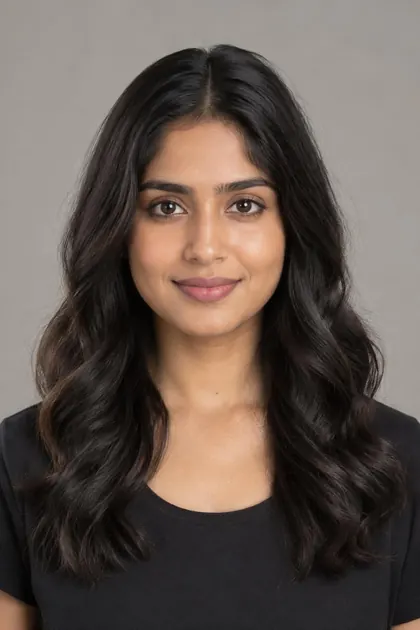 Hairstyles
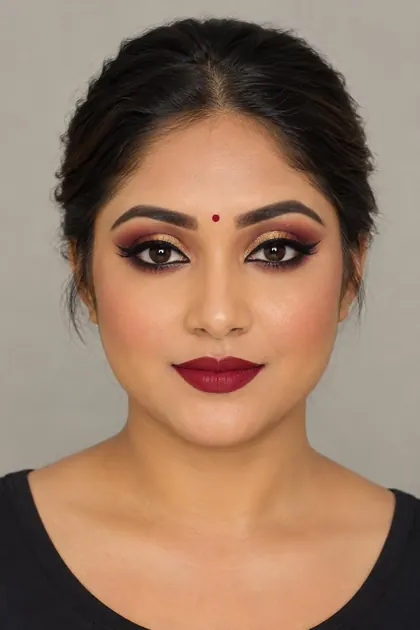 Makeup
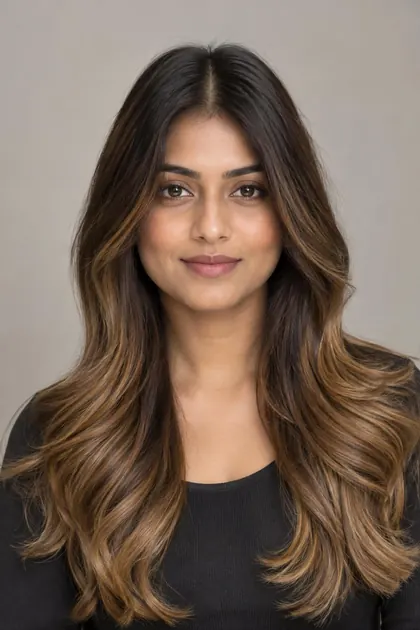 Hair colour
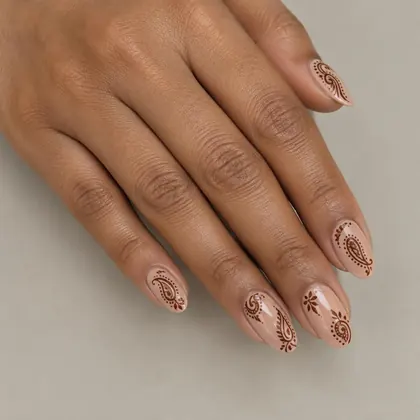 Nail art
 Complete looks
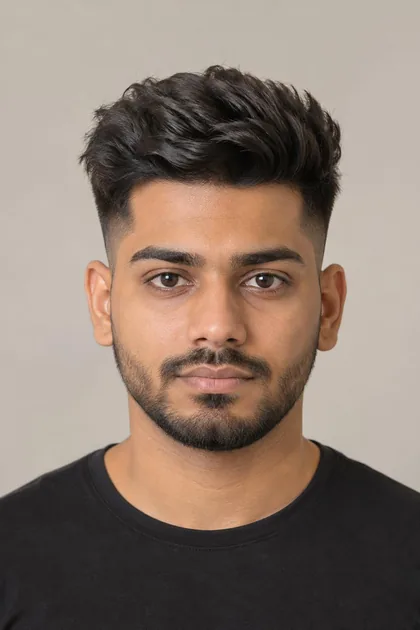 Men’s haircuts
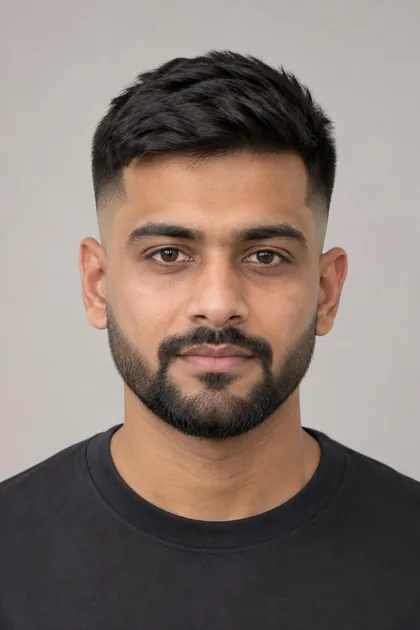 Beards
 Men’s hair colour
See the front, side and back.
Start with a front view in the app, then add side and back views for supported looks. Share the preview with your stylist to discuss what’s achievable.
- On your own photo. Beautiva aims to preserve your features and skin tone as it previews the style.
- Made for your hair. Cuts are adapted to straight, wavy, curly or coily hair.
- Save and share. Keep your looks on your phone and share them with friends or your stylist.
One photo. A whole new you.
Try a new cut, a soft balayage and a fresh makeup look together, and see how they work as one look before you spend a rupee at the salon.
- Mix and match a hairstyle, colour and makeup in one look.
- Copy a look from a photo. Upload a picture you love and tick what to copy: the cut, the colour, the makeup or all of it.
- Search in your own words, like “short curly” or “evening makeup”.
- See what’s trending and what other people like most.
- Share a link to your look or a style. Friends see the picture even without the app.
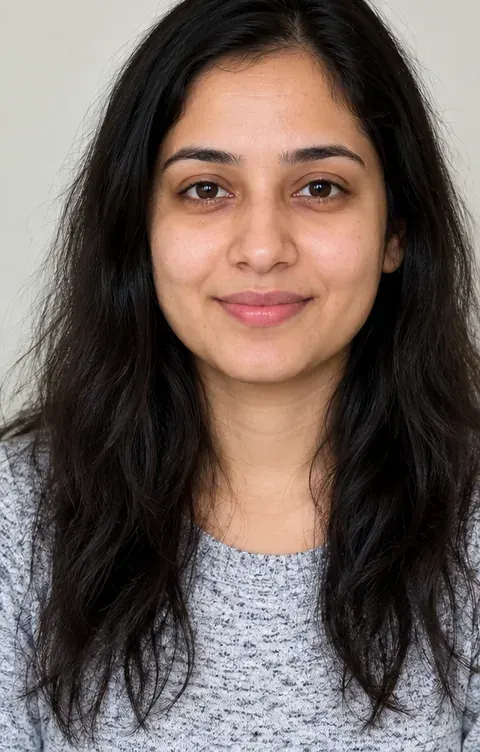

Styles chosen for your face
Not sure what suits you? Beautiva measures your face proportions and features, then puts the best matches first, with a short reason for each.
- Face shape and features: jawline, cheekbones, forehead, eyes, brows and lips.
- Hair texture and density, so suggestions work with the hair you have.
- Your taste counts. Tell it what you like, or change the result if you disagree.
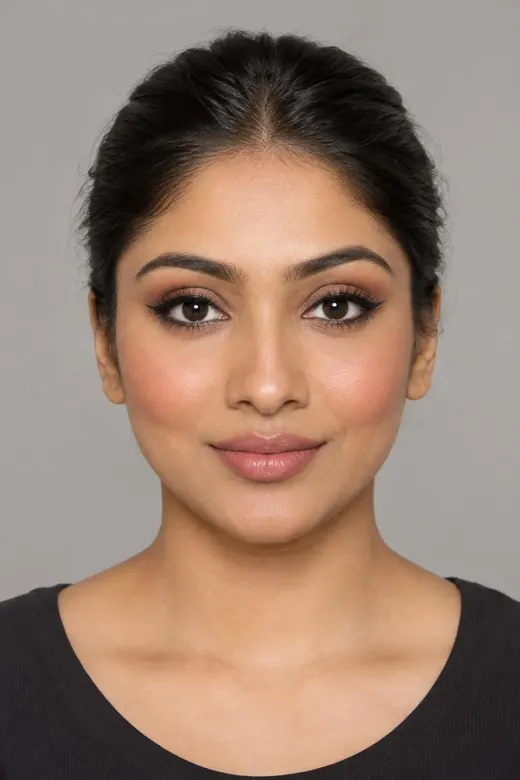
Love the makeup? Learn to do it.
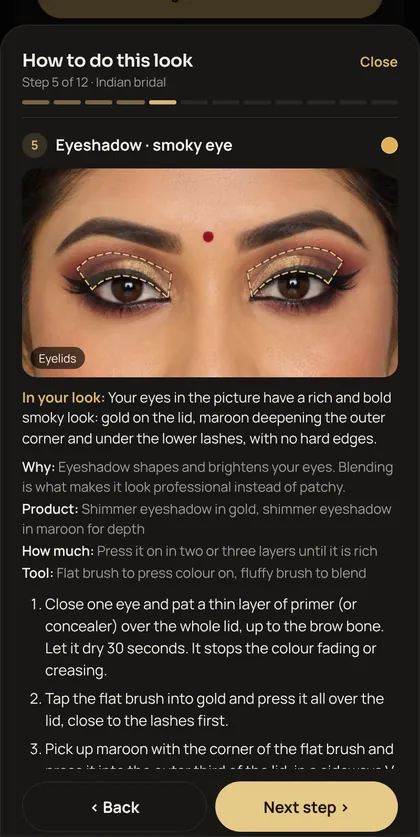
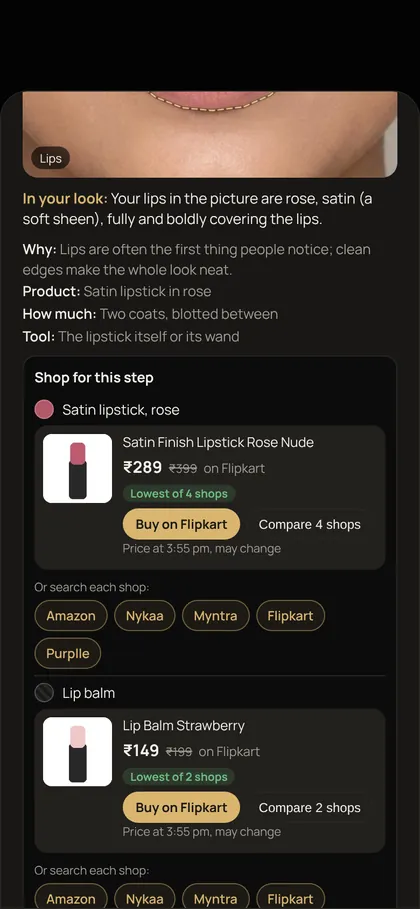
Every makeup look you try, on a photo or in the live mirror, comes with a step-by-step guide written for beginners and pointed at your own face.
- What you need: the type of product, the shade for your skin and how much to use.
- Each step on your picture, with why it works, what to avoid and a quick check.
- Follow along in the camera. The mirror outlines where each step goes while you do it.
Found your look? Book it.
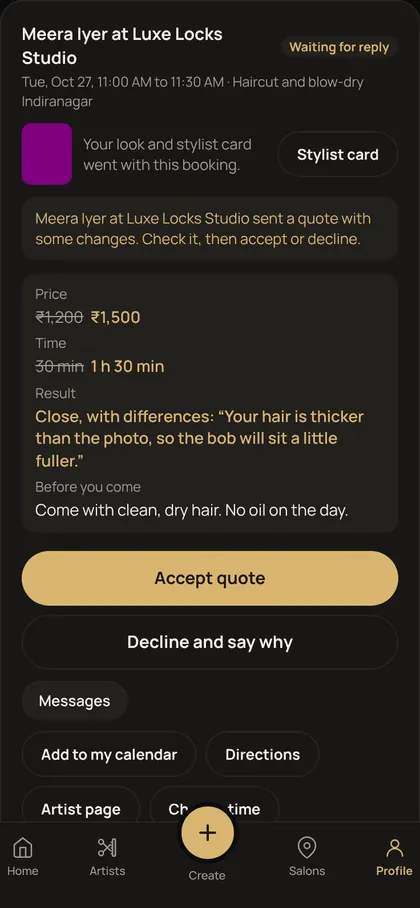
In the app, browse participating providers for haircuts and barbering, hair colour, bridal makeup, nails, facials, spa and massage. Attach a saved look and stylist card to an eligible booking so your provider can review it before the visit.
Pick a free time
Choose one or more services for the visit and see only the times they are free. Reminders reach you and the salon a day before.
A clear quote before you go
The salon or artist confirms the price, time and how close they can get to your look. You accept or decline any change.
Home visits where offered
Choose “At my home” to find providers who travel to your area and see the travel fee before booking.
Real reviews, easy to book again
Only customers who actually booked can rate. Add an after-visit photo and book the same look again in one tap.
Run a salon, spa or skin clinic?
Find out how to list your services, handle enquiries and manage appointments. Beautiva for Business →
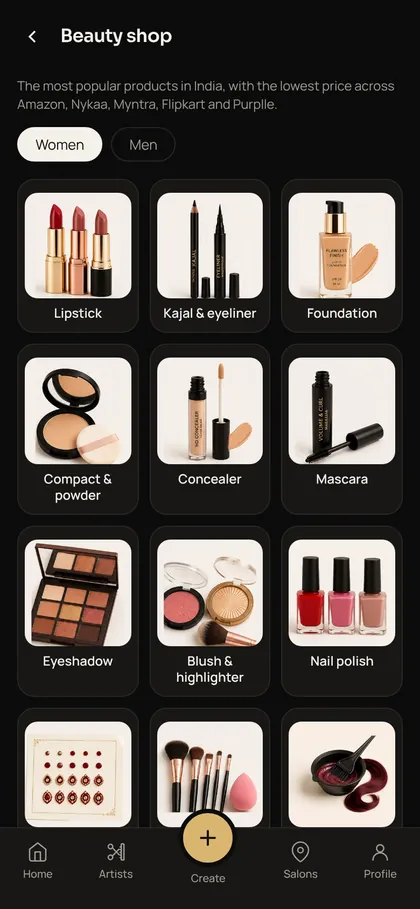
Find beauty and grooming products
Browse products by category and compare prices from supported retailers when offers are available.
- Compare shops like Amazon, Nykaa, Myntra, Flipkart and Purplle in one place.
- Beauty for women, grooming for men: lipstick, kajal, foundation, hair colour, beard oil, trimmers and more.
- Shop the look straight from your try-on or makeup guide.
Start free. Pay only for what you use.
Browse styles and use Live Mirrors for free. In the app, an AI photo try-on, an additional side or back view, and a Photo-real picture each use one credit. Your provider sets the price of your appointment.
Live mirrors
Makeup, Finger Paint, hair colour, coloured lenses, glasses and nails.
Basic pack
6 credits. Use them whenever you like.
Value pack
30 credits. Use them whenever you like.
Monthly plan
40 credits every month. Unused credits roll over. Cancel any time.
Getting married? The Bridal pack has 40 credits for $3.99, for haldi, mehendi, sangeet and reception looks.
Prices shown in US dollars. The App Store and Google Play show the price in your local currency. If a try-on fails, the credit is given back. Pack credits never expire. If you cancel a monthly plan, it keeps working until the date it would have renewed.
Share Beautiva, get free looks
Send your invite code from the app. When a friend joins with it and makes their first purchase, you each get 2 free looks.
Your photos stay private
Photos are used only to make the looks you ask for. We never sell your data or use your face for ads.
You’re in control
See, change or delete your details, and delete your whole account from Profile at any time.
Easy sign-in
Sign in with an email code, Google or Apple, then unlock with your fingerprint or face.
Questions, answered
Is Beautiva free?
Browsing styles and using the live mirrors are free. AI-generated looks on your own photo use credits in the mobile app. Your salon or artist sets the price of the service you book.
Do I need an account?
Yes, to use the app. Sign in with an email code, Google or Apple, so there is no password to remember. To look around first, the browser preview lets you browse every style without an account.
How real do the try-ons look?
Beautiva uses AI to put the style on your own photo while keeping your face, features and skin tone. It is a preview to help you decide, so your stylist’s final result may differ a little.
What kind of photo works best?
A clear, front-facing selfie in good, even light, with your hair visible and nothing covering your face.
Does the live mirror cost anything?
The live mirrors are free. In the app, the Photo-real button uses one credit to generate a picture of the look.
Can a salon or artist come to my home?
Yes, if they offer home visits. Choose “At my home” when you book to see who comes to your area and the travel fee. Your full address is shared only after they confirm.
Where do I buy products?
The beauty shop links to retailers where you can buy available products. Beautiva may earn a small commission.
What grooming options are available for men?
Explore haircuts, fades, beards, moustaches and hair colour. Try hair colour, glasses and coloured lenses in the live mirrors.
What happens to my photos?
They are used only to make your looks and face analysis. You can delete them, or your whole account, from the app. Read the privacy policy for details.
I run a salon or work as an artist. How do I get listed?
Download the app, sign in and open My listing from your Profile to create your page. Our team reviews it before it goes live.
Beautiva for iPhone and Android
Find your app store link here. You can already explore styles and use the live mirrors in the web preview.
Open the free web preview →